Create OC Essentials Service based on Tenant ID
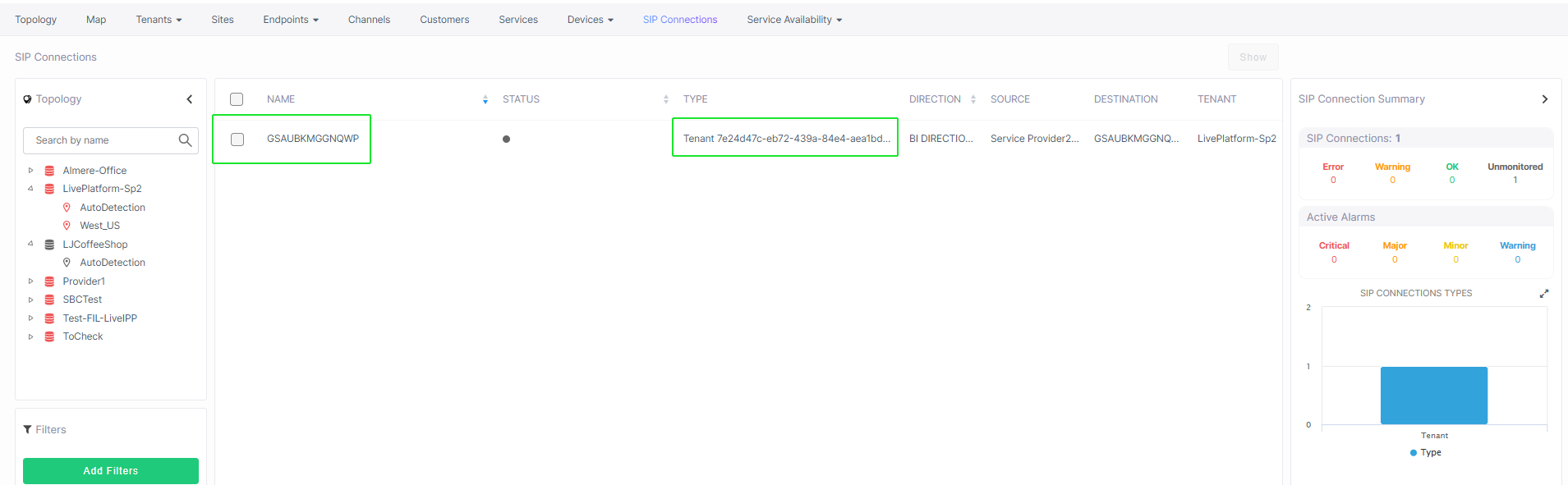
You can create an Operator Connect service from a lead with the customer Tenant ID used to create a SIP Connection between the customer tenant service and the Service Provider SBC device over a Peering Trunk connection. In the process, a Tenant ID-based SIP Connection is created in Live Platform

| ➢ | To create OC Essential service: |
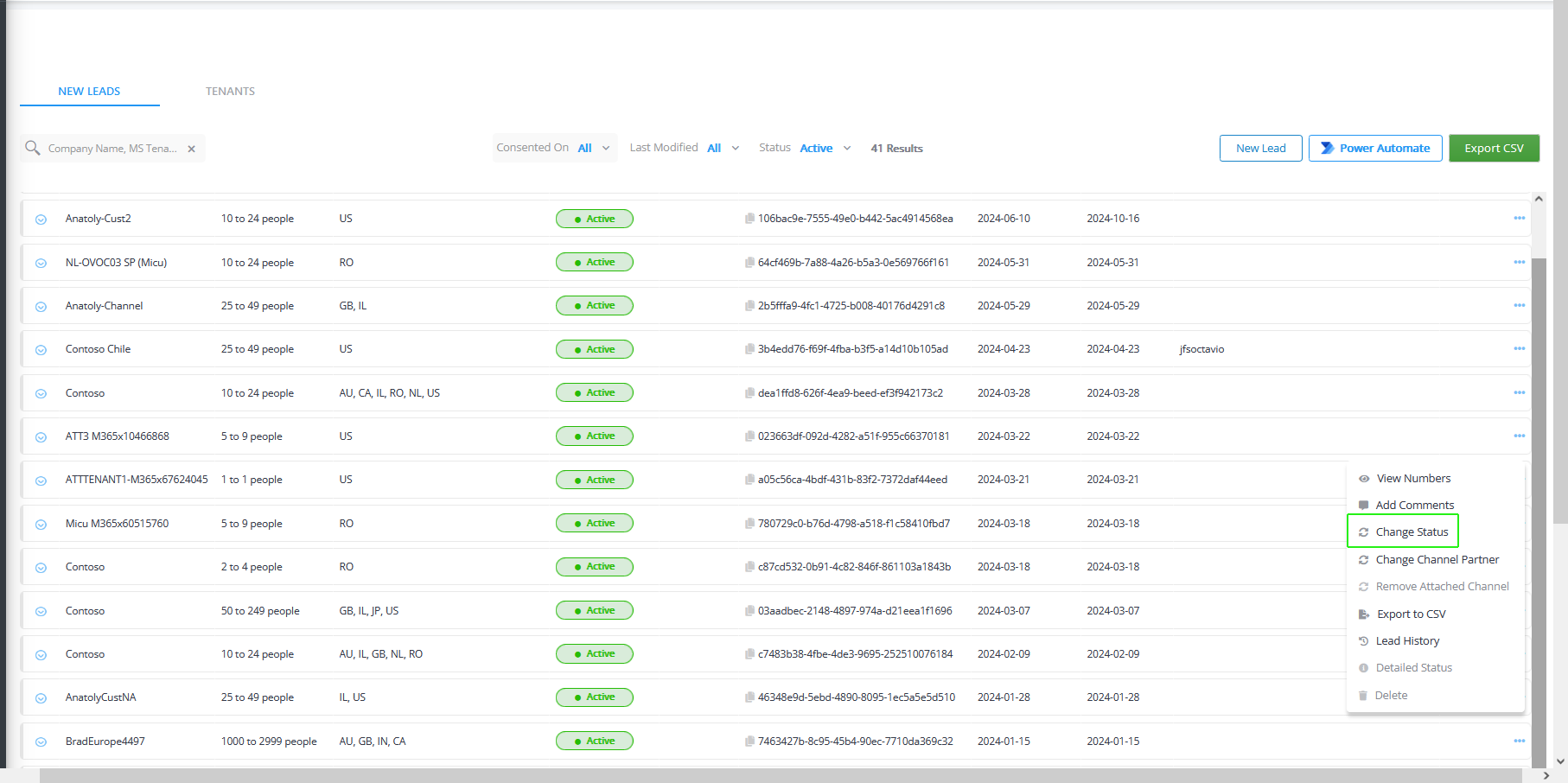
| 1. | In the New Leads tab, select the desired lead , click ….,and then choose Change Status. |
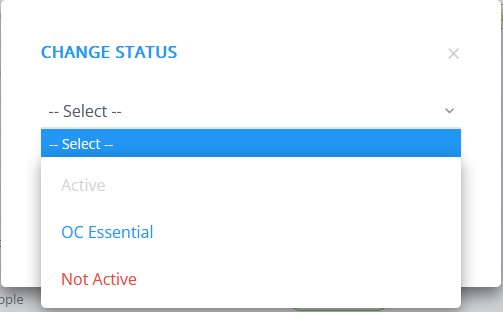
| 2. | From the Active drop-down list, select OC Essential. |
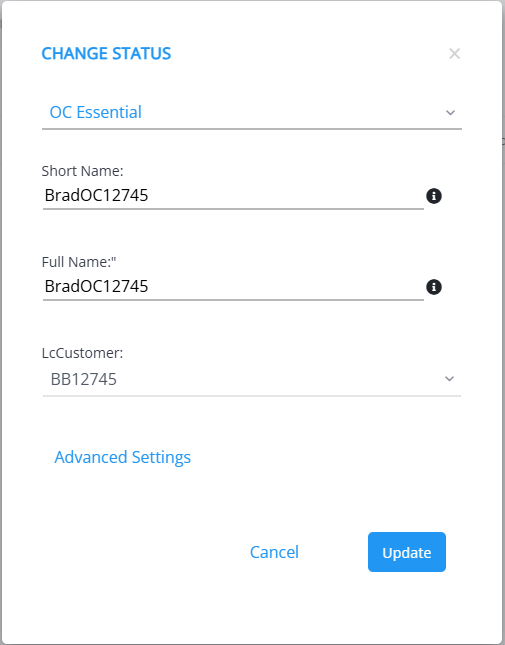
| 3. | Enter the Short Name and Full Name of the service. The short name with the following validation rules: |
| ● | The string should be 3-15 characters long |
| ● | The following characters cannot be used: \ / : * ? " < > |audit |
| ● | Can contain letters (lower/UPPER case), Numbers and special characters are allowed, however cannot contain the dot (.) or blank spaces. |
| ● | Unique name per M365 Tenant |
| 4. | From the LcCustomer drop-down list, choose the customer to attach to the service; enter the name of the customer in the search box. If your lead is assigned to a channel, then only customers who belong to the assigned channel are displayed in the list. |
| 5. | Configure parameters according to the table below and then click Store & Close. |
| 6. | Click  . . |
| 7. | Click  to confirm. A message similar to the following is displayed; close the screen. to confirm. A message similar to the following is displayed; close the screen. |
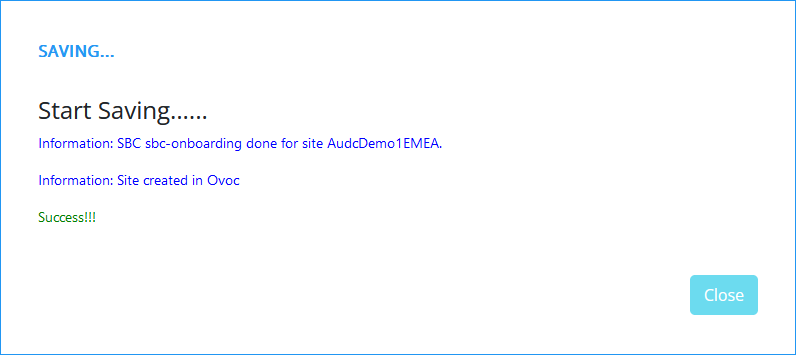
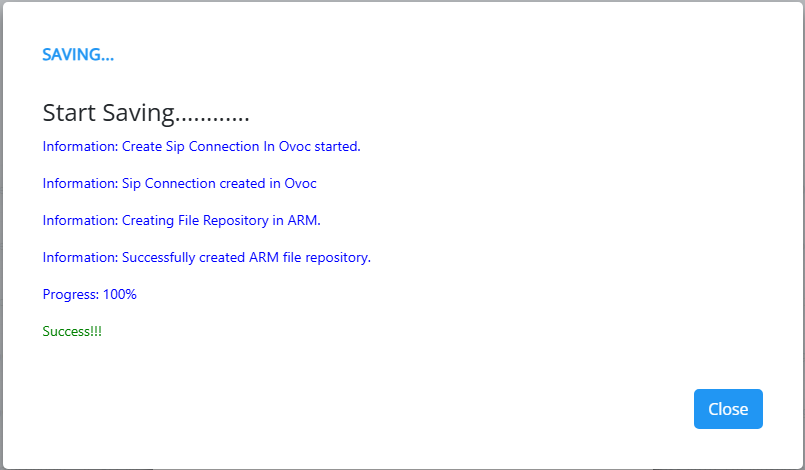
For services created with the ARM Repository enabled, a new file repository is created on ARM for the service.
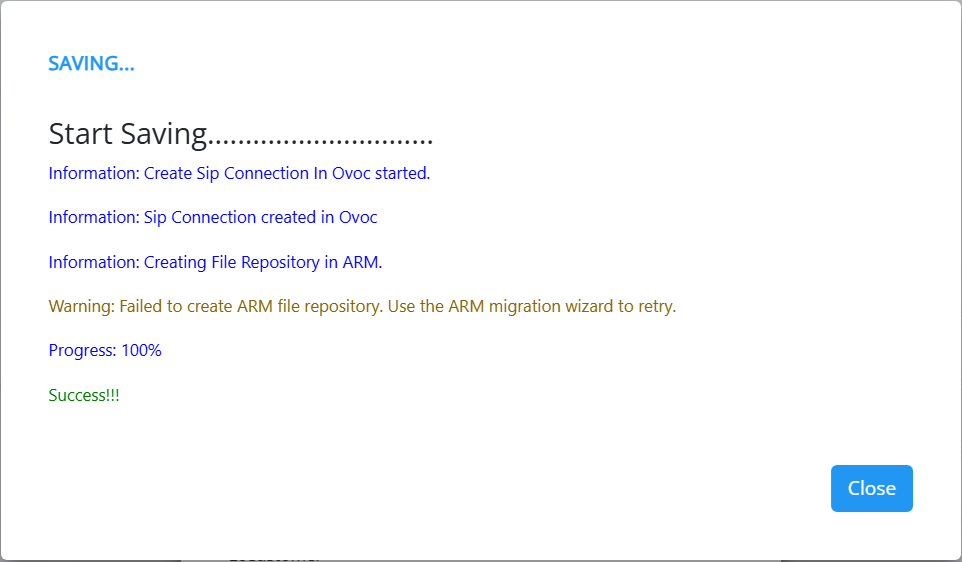
If there is a problem creating the ARM repository for the service. For example, the ARM is disconnected, the warnings shown in the figures below are displayed.
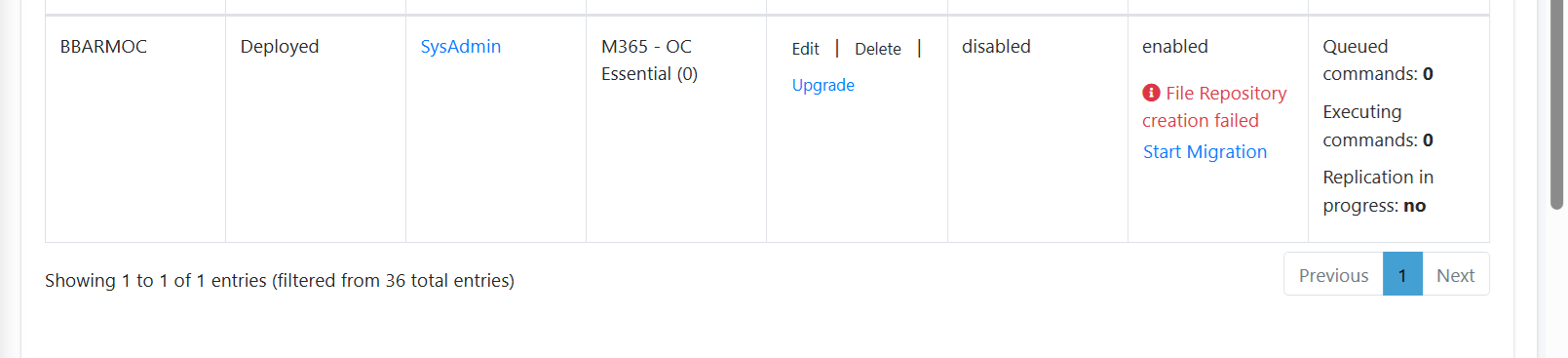
| 8. | The processing time for the Synchronization operation with the Live Platform server and Microsoft platform depends on the server load. Run the ' peering.sync-leads-job' job to refresh the Leads data and the 'peering.sync-trunks-job' job if you configured the 'Advanced Settings' (see Synchronizing Operator Connect Jobs). |
| 9. | Select the Tenants tab and verify that 'OC Essential' is assigned as the License Type for the new lead. |

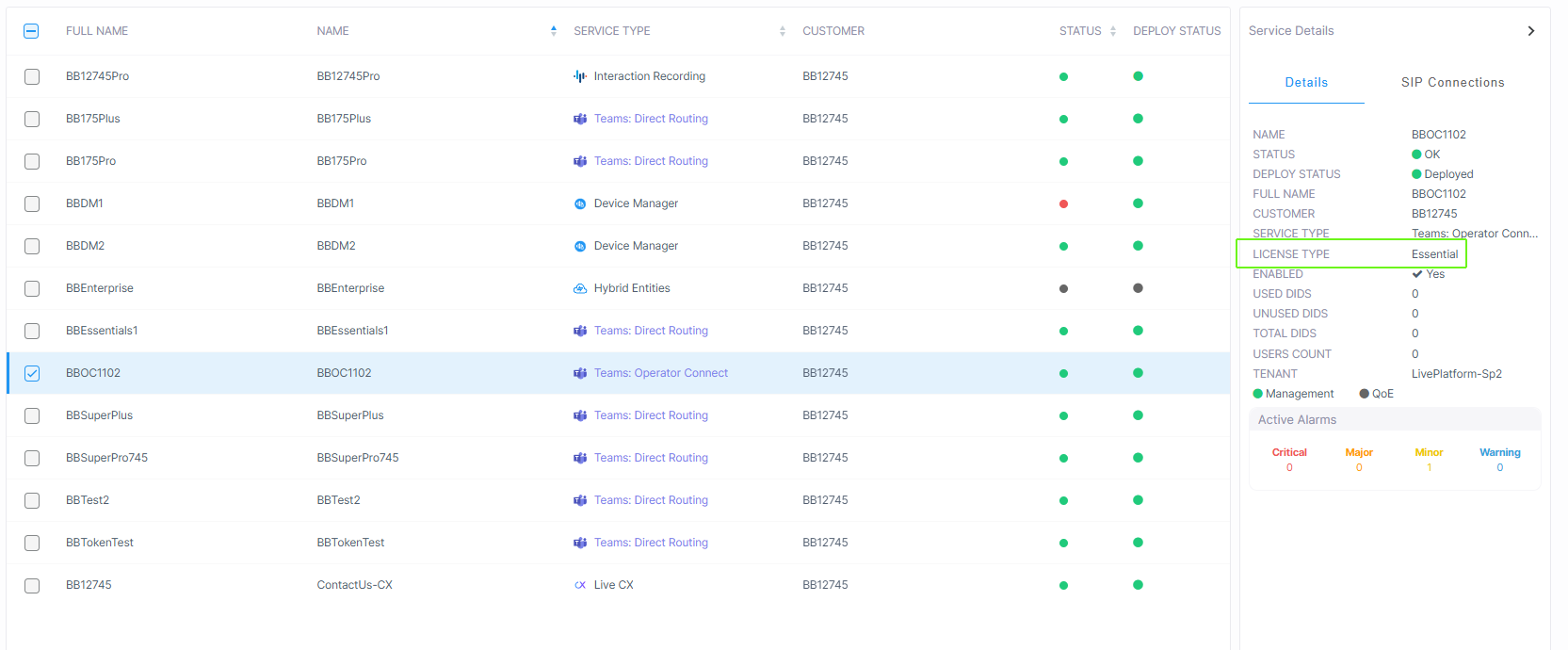
You can also view the new customer in the Live Platform Services page.